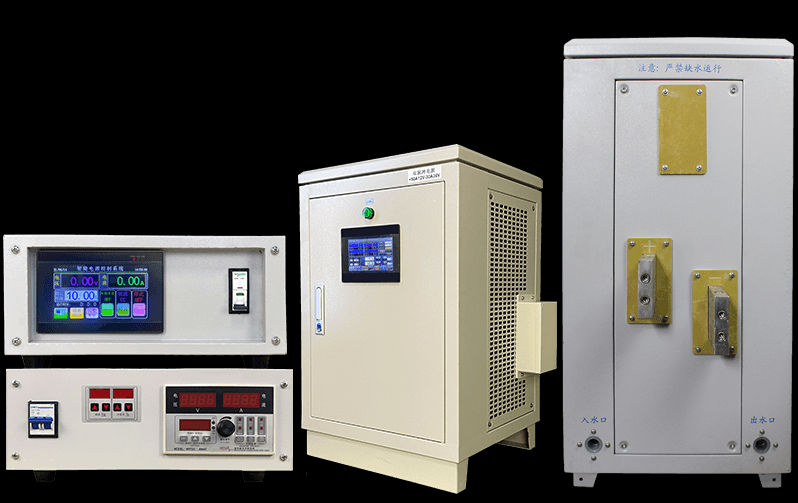
Debugging Electroplating rectifier
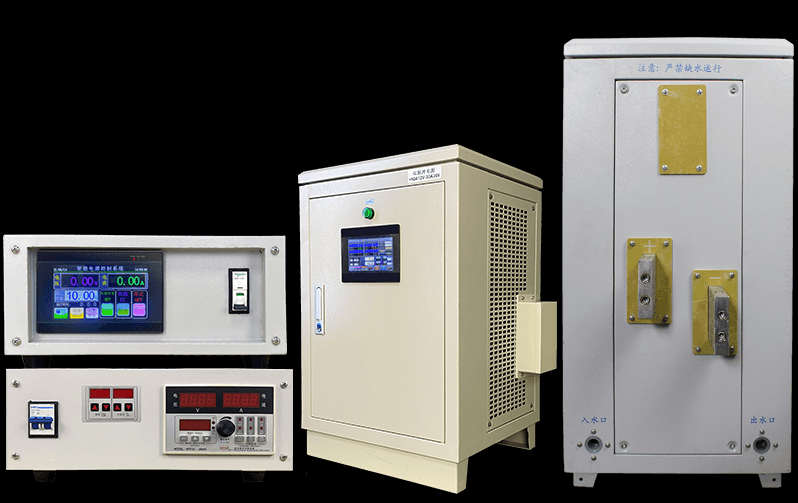
Tips for Debugging and Troubleshooting Electroplating Rectifiers
As a specialized manufacturer of electroplating equipment, we understand the importance of debugging and troubleshooting electroplating rectifiers in the production process. Here are some key techniques:
- Remove the output terminal load and test the input voltage.
- Power on the main control board and test the output voltage.
- Use an oscilloscope to test the primary voltage waveform.
- Check if the feedback electroplating parameters are normal, especially the isolation feedback parameters.
- After ensuring that the voltage and waveform parameters are normal, add the load and set the machine to the CC working mode.
- Start the machine and test if the output and input currents are normal.
- Check if the feedback parameters of the DC transformer are normal.
By following these steps, you can effectively debug the electroplating rectifier and promptly troubleshoot any issues, ensuring smooth production processes.
For more information about electroplating rectifiers, please visit our website: Plating Rectifiers.


Environmental protection Electroplating rectifier
Power supply Electroplating rectifier